Your code moves fast.
Your source of truth keeps up.
Knops agents continuously sync with your repository to keep product docs, support articles, architecture docs, release notes, and battlecards up to date so teams stay ready, tickets drop, and issues get resolved faster.
No credit card required.
Source
GitHub

Knops AI Engine
7-Agent Pipeline
Output
Support
Value
Universal Knowledge
* Modelled from published industry benchmarks (HDI, TSIA, APMP, STC, Forrester), not measured customer results.
One Product Change Keeps Four Teams Current
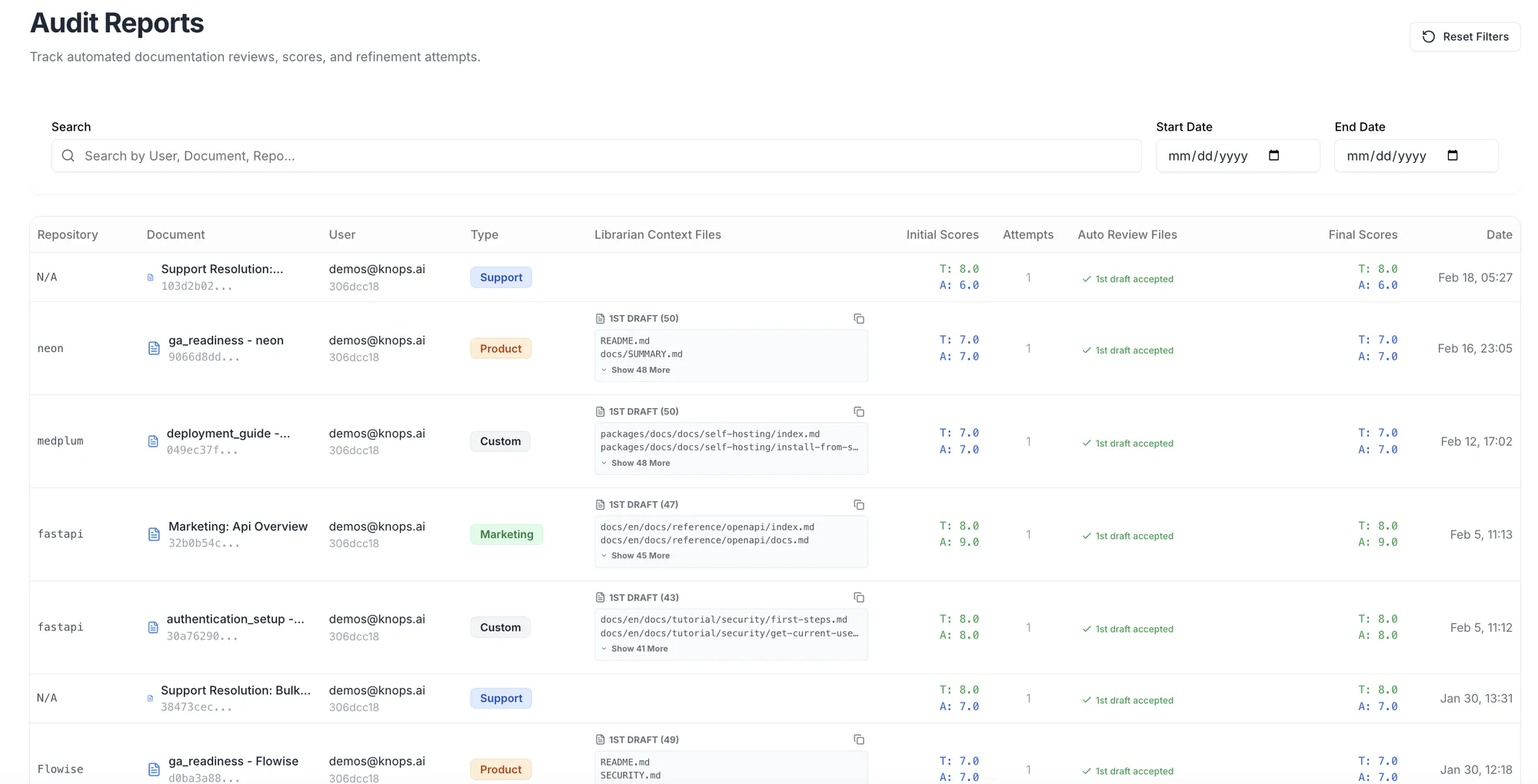
Your Knowledge Layer, Visible at a Glance
Coverage and gaps per audience, what changed since the last release, and what is queued for review.
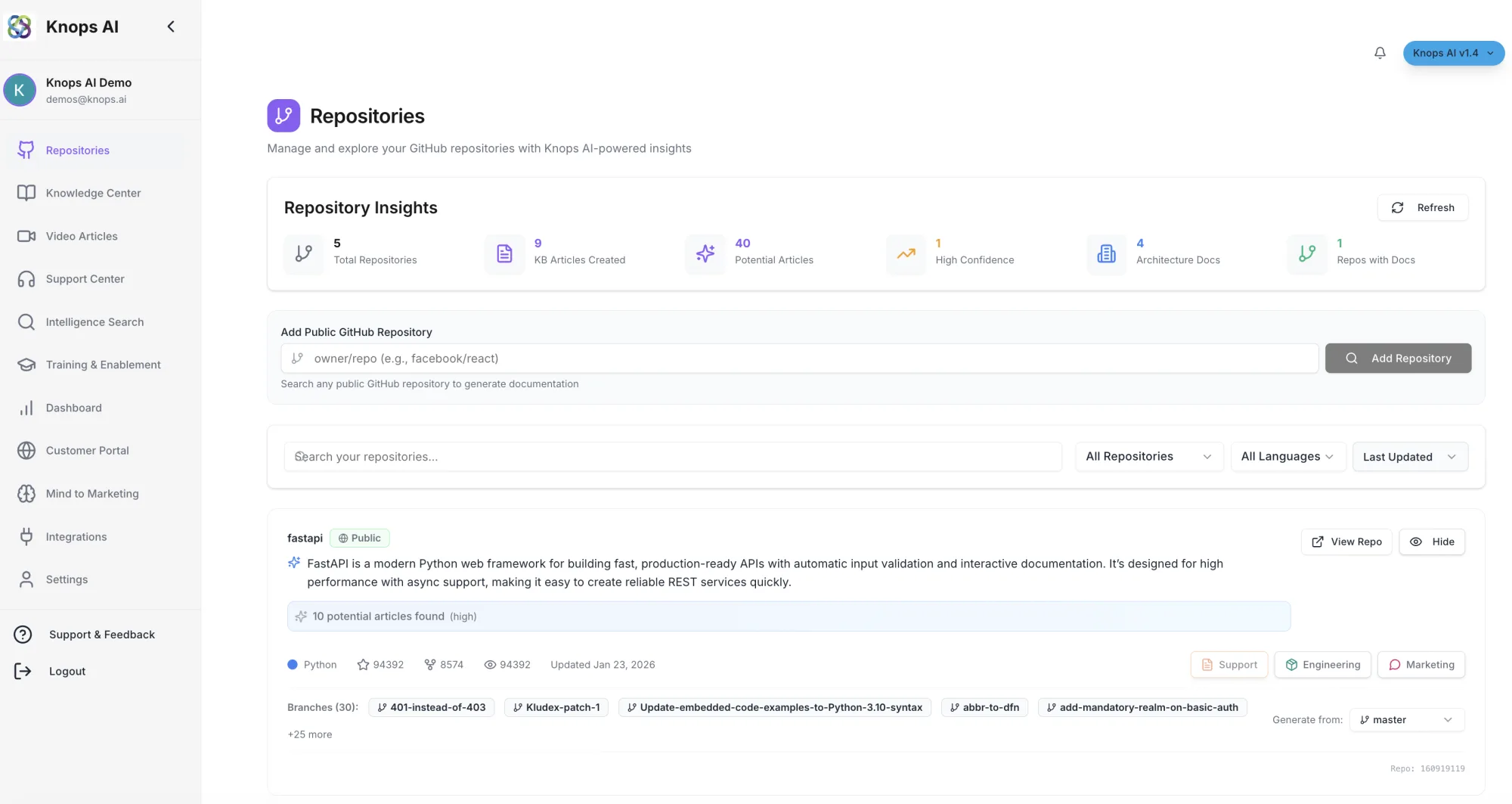
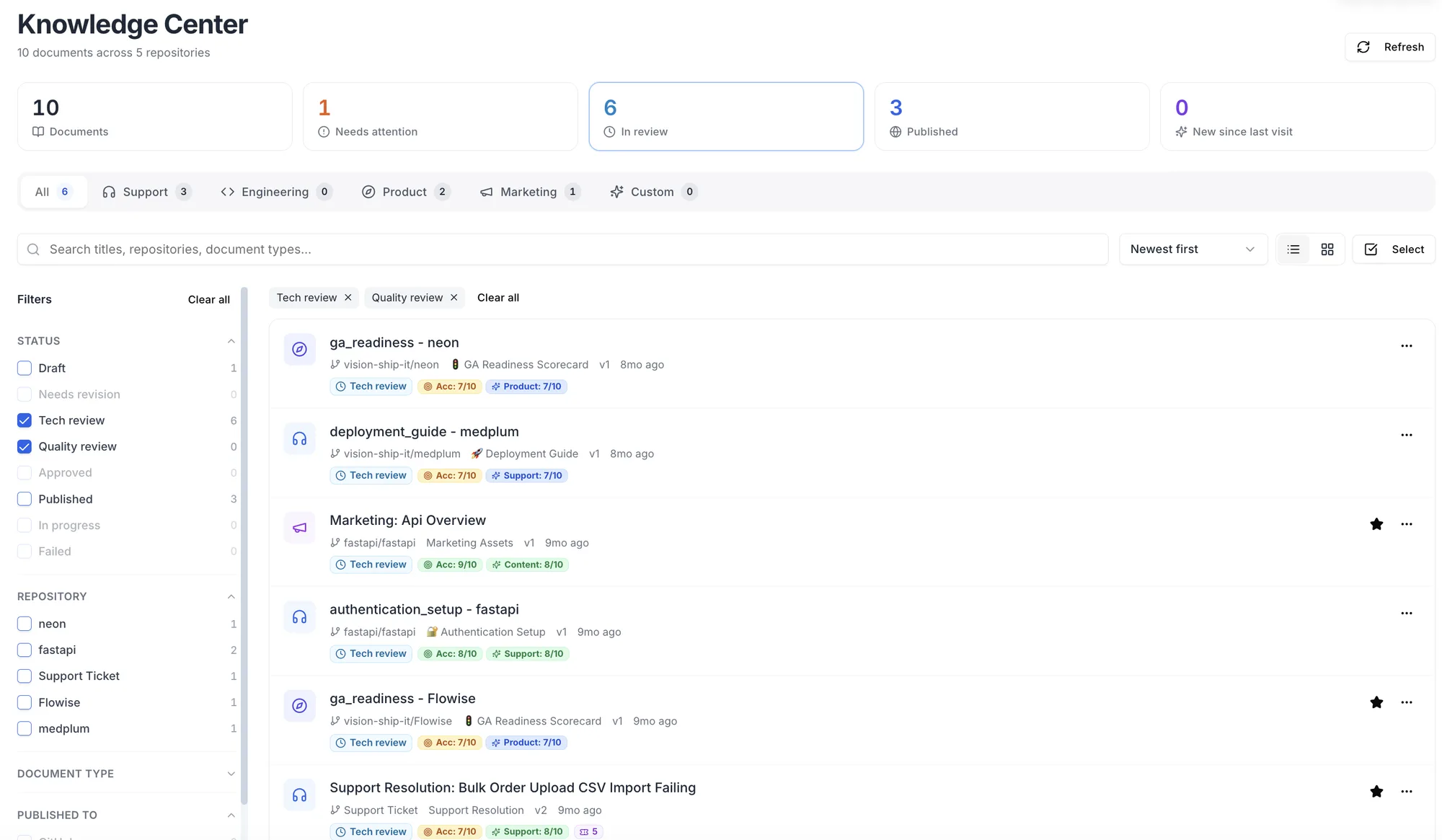
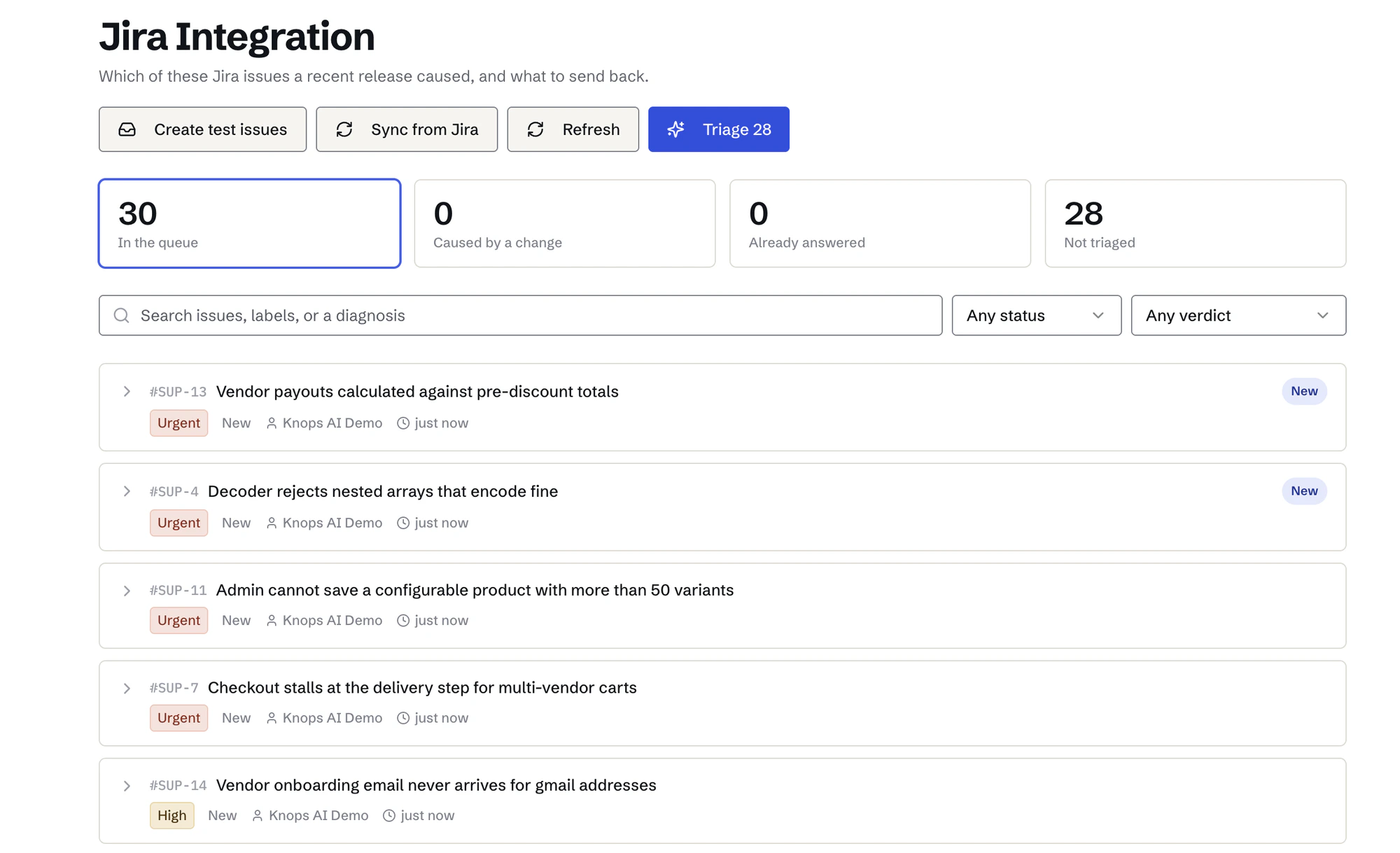
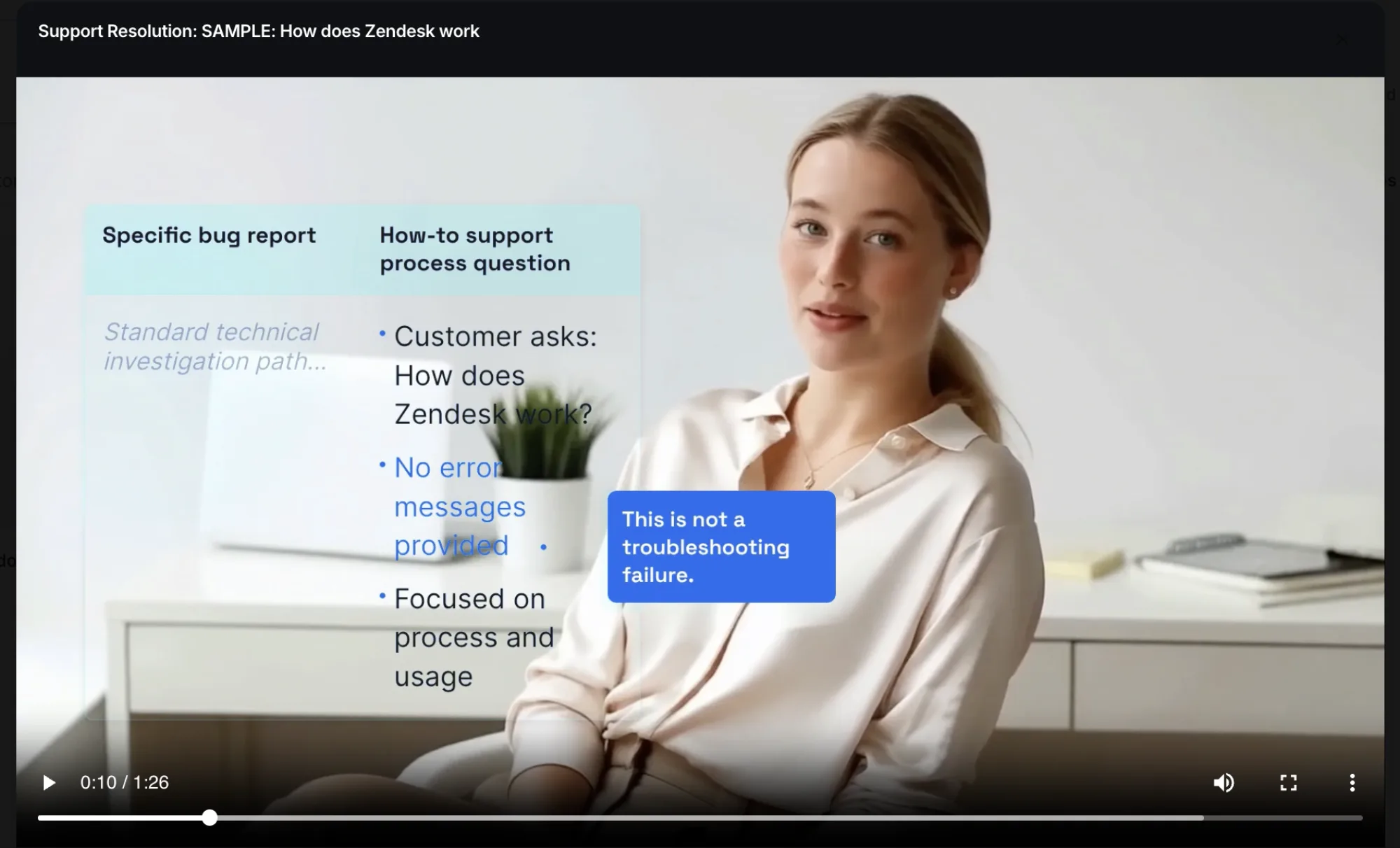
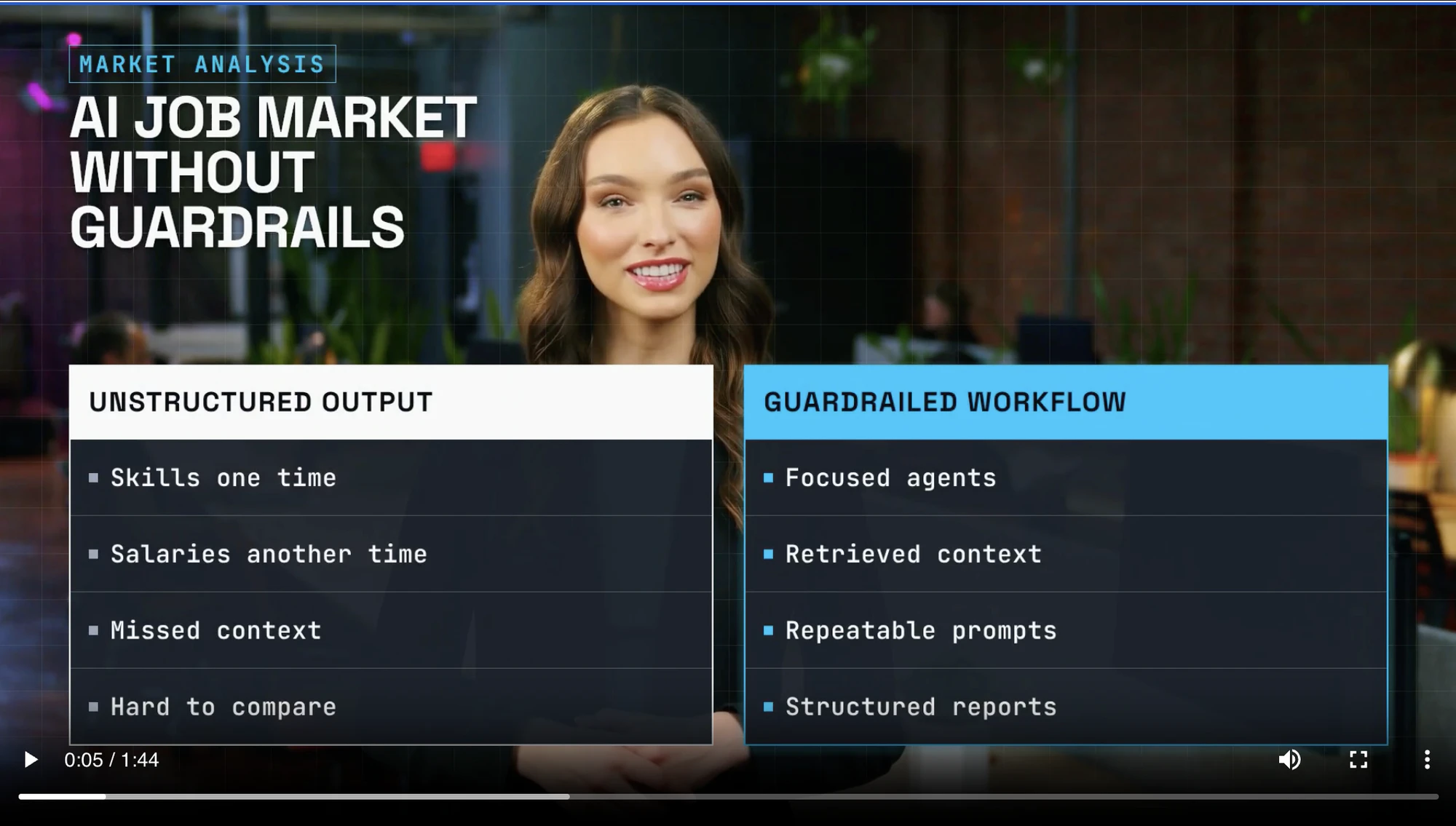
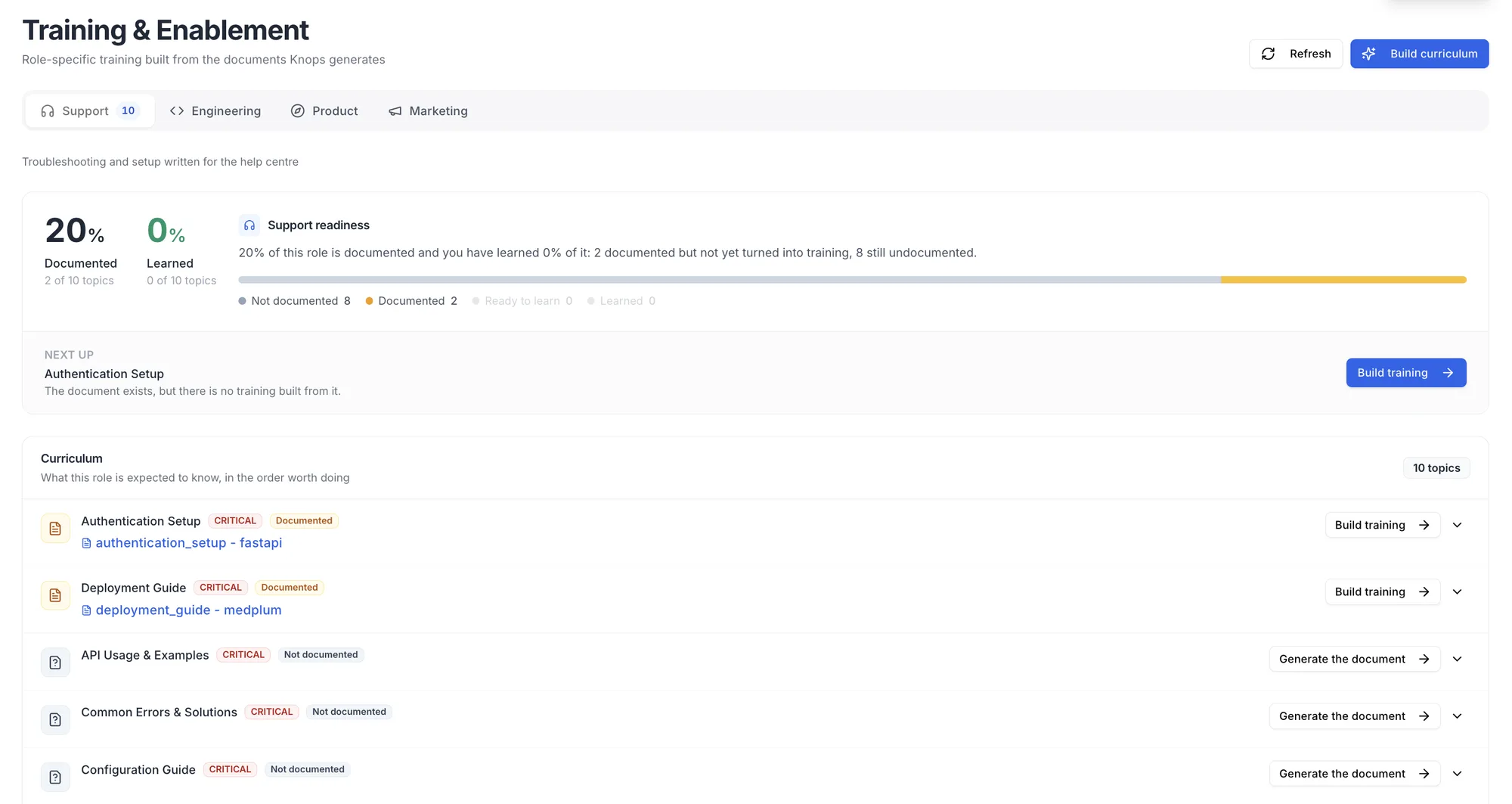
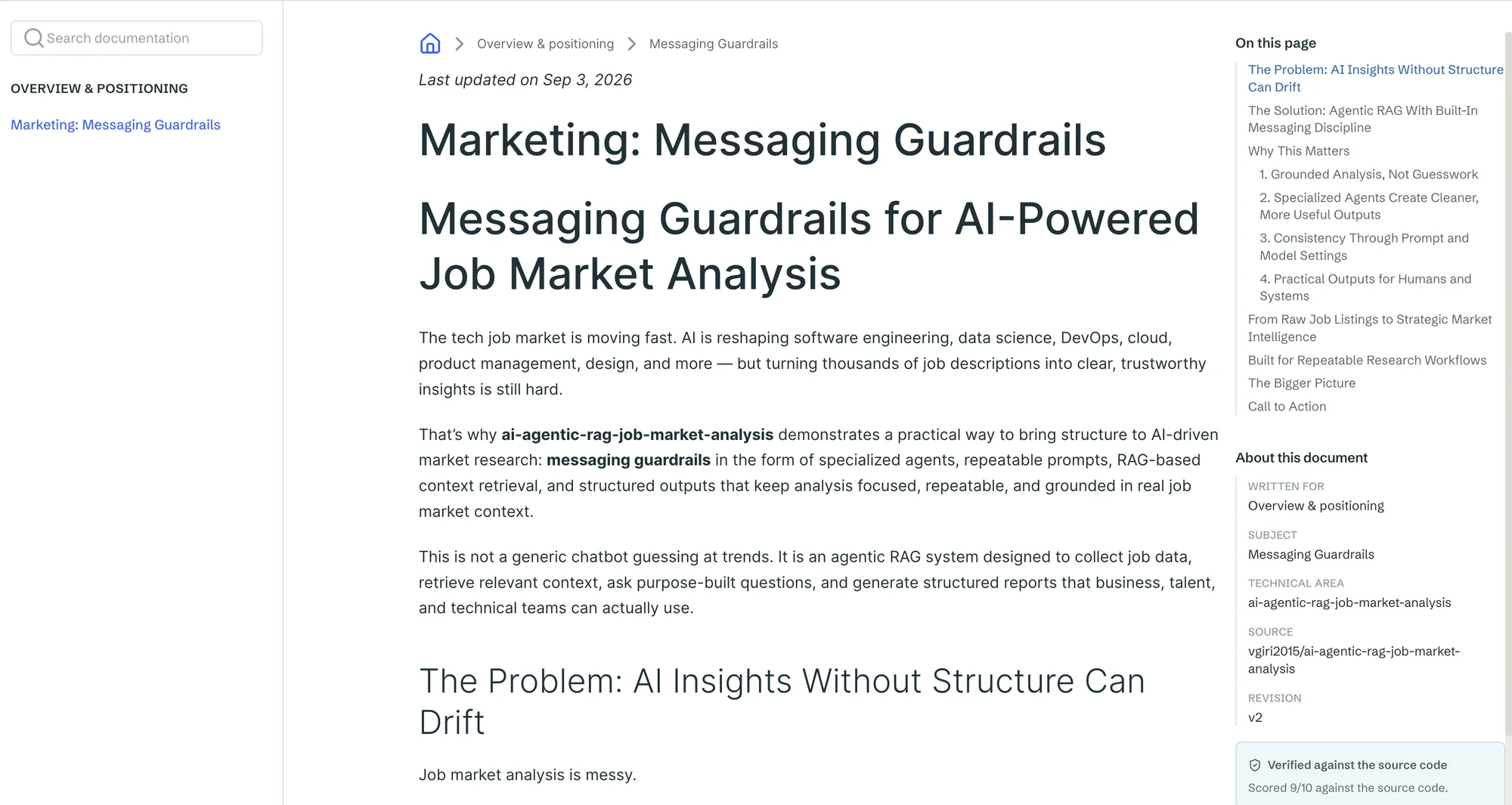
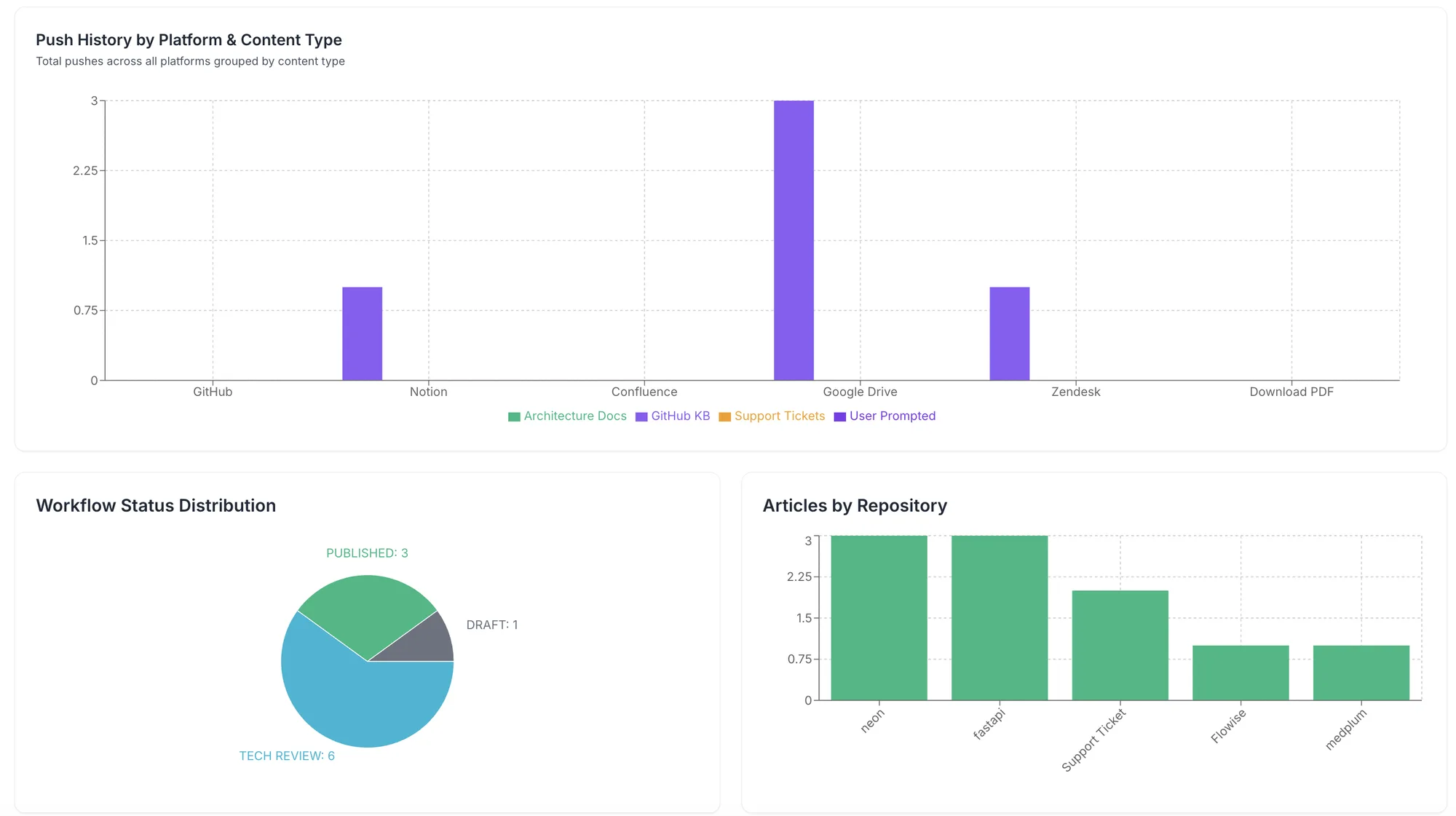
Your documentation pipeline is broken.
Not a writing problem, a structural one. No team downstream of engineering can document at the speed engineering ships, and it breaks the same way in four places at once.
Docs Are a Tax Engineers Never Stop Paying
Hours a week go into writing docs that are stale within weeks, and the ones that matter most, the architectural decisions, never get written down at all.
Architecture and API docs generated at commit time, rewritten when the code changes.
The Spec and the Product Diverged
What was planned and what shipped parted ways months ago. Nobody can say exactly where, so readiness and effort get judged by intuition.
Retrospective PRDs and GA readiness scored against what the code actually does.
Reps Pitch Last Quarter's Product
Weeks pass between a feature shipping and sales-ready messaging. In that window the deck, the battlecard and the RFP answer are all quietly wrong.
Collateral drafted from merged PRs, with overclaim checks against the codebase.
The KB Runs Months Behind
Every release opens a gap between what shipped and what the help center says. Tickets pour into that gap while the team writes the article that would have prevented them.
Articles generated from every commit, published before the first ticket arrives.
Summed across all four teams, the modelled cost of this gap at a Series B SaaS company runs $400K–$1.5M a year.
Modelled from published industry benchmarks, not measured customer results.
Connect. Generate. Publish. Govern.
Connect Your Sources
Plug in your repositories and the tools each team already works in, Knops AI handles the rest.
Four Documents, One Change
Every product change is read four ways, and written in the register each audience actually needs.
Published Where Each Team Works
Content lands in the tool that team already lives in, no one has to learn a new system.
Continuously Governed & Up to Date
When the code changes, the documents that describe it are revised in place. No stale docs, no manual upkeep.
Syncs With Your Entire Stack
Sources and signals
What Knops reads to know the product changed.


Publishing destinations
Where the finished documents land, formatted for each tool.



Connect once. When a document updates, every destination updates with it.
Your Code and Knowledge Stay Under Your Control
Knops uses read-only repository access, processes only the content needed to generate documentation and keeps publishing decisions with your team.
Read-only access
Knops reads connected repositories without modifying source code.
No shared model training
Customer data is not used to train or fine-tune general-purpose AI models shared with other customers.
Sensitive data protection
Secrets, credentials, PII and high-risk files are detected and blocked before AI processing; generated outputs are scanned again.
User-level permissions
Control who can view, edit, approve and publish each type of documentation.
Human approval
Require review before critical documentation is published or updated.
Questions Teams Ask Before They Start
1What is Knops AI and how does it automate documentation?
Knops reads connected code, documentation and customer-support signals to create and maintain audience-specific product knowledge. It generates documentation for Support, Engineering, Product and Sales and Marketing, then publishes it into the tools each team uses.
2How does Knops keep product documentation up to date?
Knops detects relevant product changes and updates the affected sections while preserving the document structure, tone and manual edits. Critical changes can require human approval before publishing.
3What types of documentation can Knops generate?
Knops can generate support articles, architecture and API documentation, data-flow documentation, retrospective PRDs, readiness analysis, RFP responses, battlecards, changelogs and launch content.
4Which tools does Knops integrate with?
Knops connects with tools including GitHub, Zendesk, Intercom, Confluence, Notion, Salesforce, HubSpot, Google Drive and Slack.
5Does Knops modify our source code?
No. Knops uses read-only repository access to analyse product changes and generate documentation without modifying the connected source code.
6Does Knops use our code or customer data to train AI models?
Knops does not use customer data to train or fine-tune general-purpose AI models shared with other customers. It sends only the content required to generate the requested output.
7Can we control who edits and publishes documentation?
Yes. User-level permissions control who can view, edit, approve and publish documentation. Teams can require human approval before critical documents go live.
8How does Knops protect sensitive data and what is its SOC 2 status?
Knops detects and blocks secrets, credentials, PII and high-risk files before AI processing and scans generated outputs again. SOC 2 certification is currently in progress.
More questions? Read the full FAQ
See What Knops Can Generate From Your Product Knowledge
Connect your repository and support sources to create current documentation for every team.
No credit card required.